What Is a Router?
Discover how routers connect networks, direct data traffic, and enable seamless internet access for homes and businesses alike.
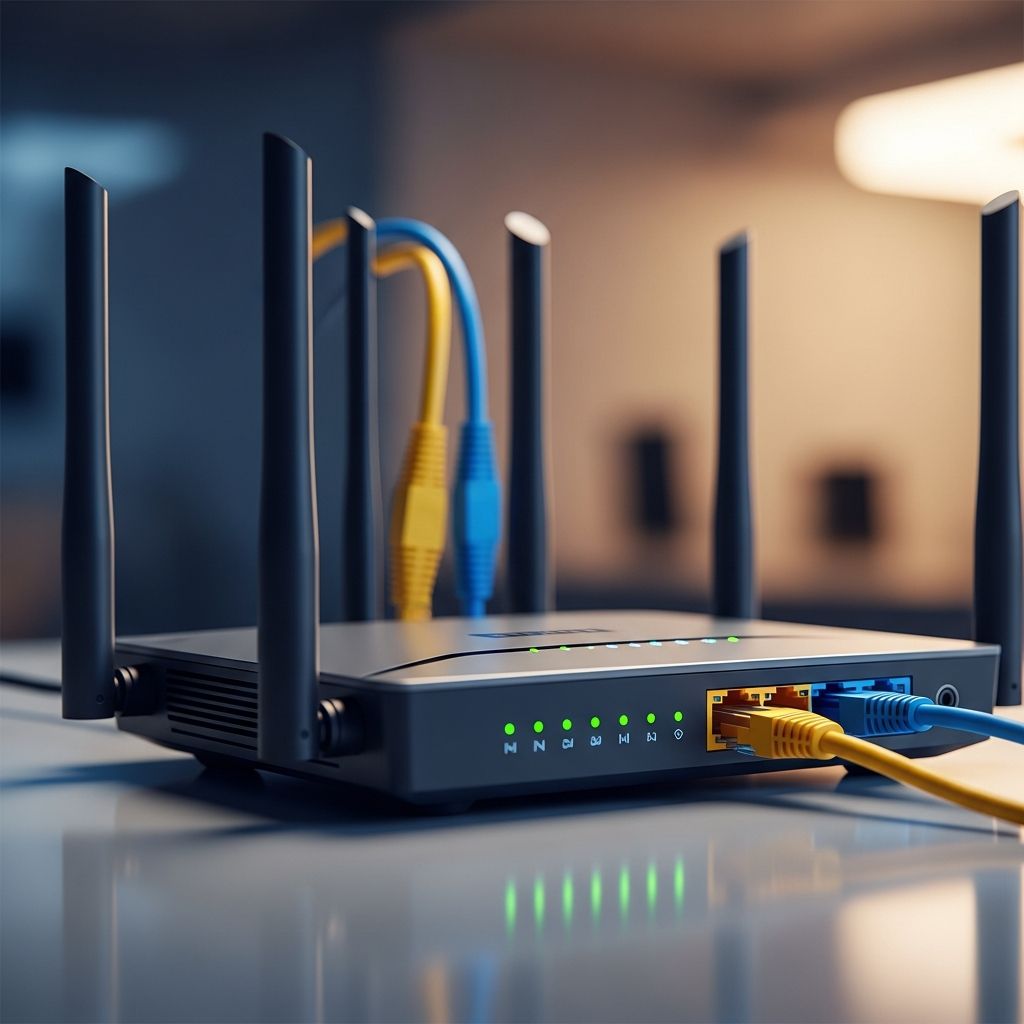
In the world of digital connectivity, routers stand as the unsung heroes that keep our devices linked and communicating. These specialized hardware devices act as intelligent gateways, directing the flow of information across various networks. Whether you’re streaming videos at home, running a business network, or accessing cloud services, routers ensure that data reaches its intended destination without chaos or loss. At their core, routers examine data packets, consult internal maps of network paths, and make split-second decisions to propel information forward efficiently.
Understanding routers begins with grasping their role in the broader ecosystem of networking. They bridge the gap between local setups like home Wi-Fi and expansive systems such as the global internet. By handling the complexities of data transmission, routers not only facilitate connectivity but also enhance security and performance. This article delves deep into the mechanics, varieties, and real-world applications of routers, providing a comprehensive guide for anyone looking to optimize their network infrastructure.
The Fundamental Role of Routers in Data Communication
Routers operate at the heart of packet-switched networks, where information is broken down into small units called packets. Each packet travels independently, carrying pieces of the original data along with metadata like source and destination addresses. When a packet arrives at a router, the device inspects its header—a sort of digital envelope containing routing instructions. Using this information, the router decides the optimal path for the packet to take toward its goal.
This decision-making process relies on sophisticated algorithms and tables that map out network topologies. Imagine a bustling city with routers as traffic directors at major intersections. They prevent congestion by choosing routes that avoid bottlenecks, prioritize urgent traffic, and reroute around failures. In local area networks (LANs), routers connect computers, printers, and smart devices, allowing them to share resources seamlessly. Extending outward, they link these LANs to wide area networks (WANs), including the internet, enabling global communication.
Beyond mere forwarding, routers perform critical tasks like network address translation (NAT). NAT allows multiple devices to share a single public IP address provided by an internet service provider (ISP). This not only conserves scarce IP resources but also adds a layer of protection by hiding internal addresses from external threats. Routers also enforce quality of service (QoS) policies, ensuring that video calls or online gaming receive priority over background downloads.
How Routers Process and Forward Network Traffic
The journey of a data packet through a router is a marvel of engineering. Upon receipt, the router strips away the incoming packet’s outer layer specific to the arrival interface. It then examines the IP header to identify the destination. A lookup in the routing table—a dynamic database of known paths—reveals the next hop. This table is populated through protocols like OSPF or BGP, which routers use to exchange route information with peers.
If the destination is directly connected, the packet is forwarded immediately. Otherwise, it’s sent to another router closer to the target, a process known as hopping. Each hop reduces the distance to the endpoint, measured in metrics like bandwidth availability or latency. Modern routers employ advanced techniques such as equal-cost multi-path routing, distributing traffic across equivalent paths for load balancing.
Hardware acceleration plays a key role here. Application-specific integrated circuits (ASICs) or network processors handle high-speed forwarding, processing millions of packets per second. Software-defined elements allow administrators to program custom behaviors, adapting to evolving needs like 5G integration or IoT surges.
- Packet Inspection: Analyzes headers for routing decisions.
- Route Selection: Chooses paths based on metrics like cost and hop count.
- Encapsulation: Rewraps packets for the outgoing interface.
- Queue Management: Handles overflows to prevent data loss.
Distinguishing Routers from Other Networking Devices
It’s common to confuse routers with similar devices, but each serves distinct purposes. Switches operate within a single network, connecting devices via MAC addresses for fast, local traffic handling. Hubs, an outdated technology, simply broadcast data to all ports, leading to inefficiencies. Modems, meanwhile, translate signals between your home network and the ISP’s infrastructure—analog to digital or vice versa—but lack routing intelligence.
| Device | Primary Function | Layer | Example Use |
|---|---|---|---|
| Router | Inter-network routing | Network (Layer 3) | Connecting home LAN to internet |
| Switch | Intra-network switching | Data Link (Layer 2) | Linking office computers |
| Modem | Signal modulation | Physical (Layer 1) | ISP cable to digital signal |
| Hub | Broadcast replication | Physical (Layer 1) | Legacy multi-device sharing |
Routers uniquely manage Layer 3 (IP) protocols, enabling subnet segmentation and policy enforcement across boundaries.
Types of Routers for Diverse Networking Needs
Routers come in various forms tailored to specific environments. Home routers, often all-in-one units combining routing, switching, and wireless access points, cater to consumer needs with user-friendly apps for setup and monitoring.
Enterprise routers scale for business demands, featuring modular ports, high throughput, and advanced security like VPN support. Core routers form the backbone of internet service providers (ISPs), handling terabits of traffic with redundant power supplies and ultra-low latency.
Edge routers sit at network perimeters, interfacing with external links while applying firewalls and intrusion detection. Branch routers connect remote offices to central hubs via secure tunnels. Wireless routers dominate homes, broadcasting Wi-Fi standards like Wi-Fi 6E for multi-gigabit speeds and dense device support.
- Consumer Routers: Affordable, Wi-Fi focused for households.
- Service Provider Routers: High-capacity for backbone traffic.
- Virtual Routers: Software-based for cloud environments.
Security Features and Best Practices for Routers
Security is paramount as routers are prime targets for attacks. Built-in firewalls inspect and block suspicious traffic based on rulesets. Stateful inspection tracks connection states, preventing unauthorized replies. VPN capabilities encrypt data over public networks, safeguarding remote access.
Regular firmware updates patch vulnerabilities—critical given exploits like those in Mirai botnets. Strong passwords, WPA3 encryption, and guest networks isolate visitors. Tools like port forwarding must be configured judiciously to avoid exposure.
Advanced models offer deep packet inspection (DPI) to detect malware signatures and zero-trust models segmenting traffic. Implementing these fortifies your digital perimeter against evolving threats.
Setting Up and Optimizing Your Router
Effective setup starts with placement: central, elevated, away from interference sources like microwaves. Connect to the modem, power on, and access the admin interface via a web browser or app. Customize SSID, set WPA3, and enable auto-channel selection for Wi-Fi optimization.
Firmware updates ensure latest features and security. QoS settings prioritize bandwidth hogs. Mesh systems extend coverage in large spaces, with nodes communicating seamlessly. Monitor via apps for usage patterns and anomalies.
For performance boosts, upgrade to MU-MIMO routers supporting simultaneous device streams. Wired backhaul in mesh setups minimizes wireless overhead.
The Future of Routing Technology
Routers evolve with trends like SD-WAN, optimizing multi-link paths dynamically. Wi-Fi 7 promises 46 Gbps speeds, while 5G convergence blurs wired-wireless lines. AI-driven routing predicts traffic, auto-scales resources, and mitigates DDoS attacks proactively.
Edge computing pushes processing to routers, reducing latency for AR/VR. Quantum-safe encryption prepares for post-quantum threats. Sustainability drives energy-efficient designs, vital for data centers.
Frequently Asked Questions
What happens if my router fails?
A router failure disrupts all connected devices’ internet access. Have a backup plan like a mobile hotspot or spare unit. Regular maintenance prevents issues.
Can I use a router without a modem?
Yes, for local networking without internet, but no external connectivity.
How do I improve Wi-Fi speed from my router?
Update firmware, optimize placement, use 5GHz band, limit connected devices, and consider upgrades.
What’s the difference between a router and a firewall?
Routers route traffic; firewalls filter it. Most routers include basic firewalls.
Do routers support IPv6?
Modern ones do, enabling the next-gen internet protocol for vast addressing.
References
- What is a router? — Hewlett Packard Enterprise. 2024-01-15. https://www.hpe.com/us/en/what-is/router.html
- What is a Router? – Definition and Uses — Cisco Systems. 2023-11-20. https://www.cisco.com/site/us/en/learn/topics/small-business/what-is-a-router.html
- Routers — Internet Engineering Task Force (IETF), RFC 1812. 1995-07-01 (authoritative standard, remains foundational for IP routing). https://datatracker.ietf.org/doc/html/rfc1812
Similar Articles








Read full bio of Sneha Tete