US Phone in Japan Guide
Master connectivity in Japan with your US phone: unlock, roam, or switch to eSIM for seamless data, calls, and navigation.
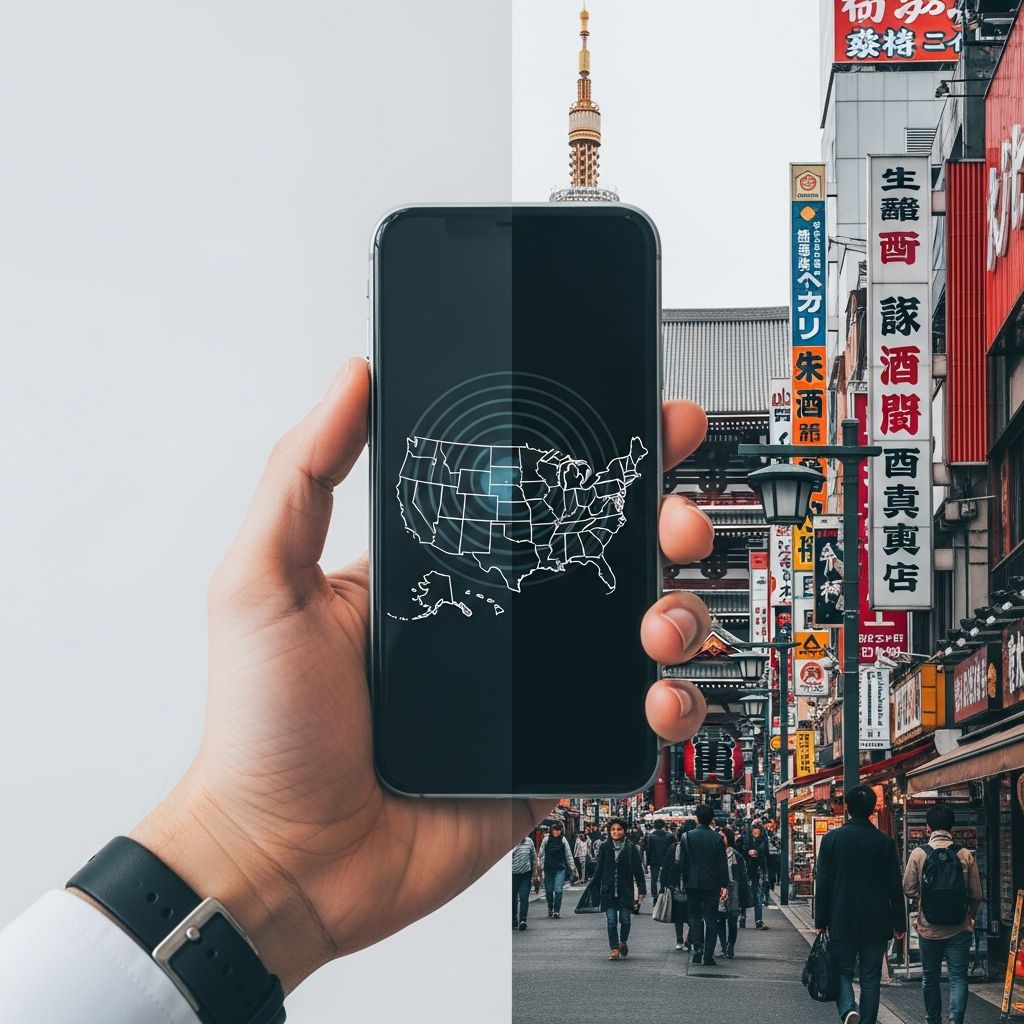
Traveling to Japan with your US smartphone opens up incredible opportunities for navigation, communication, and sharing experiences. However, ensuring reliable connectivity requires preparation. Japan’s advanced mobile networks support most modern devices, but options like international roaming, local SIM cards, eSIMs, and pocket Wi-Fi each have trade-offs in cost, convenience, and coverage. This guide explores compatibility checks, service choices, setup steps, and cultural norms to keep you online affordably and effectively during your stay.
Assessing Device Compatibility for Japanese Networks
Before departure, verify if your phone aligns with Japan’s frequency bands. The country primarily uses LTE bands 1, 3, 8, 18, 19, 21, and 28 for 4G/5G, along with 3G fallback on band 1. Most US phones from the past five years, including iPhones from series 12 onward and recent Samsung Galaxy or Google Pixel models, support these. Older 2G-dependent devices fail entirely, as Japan phased out 2G years ago.
Use tools like GSMArena or your phone’s specs page to confirm band support. For iPhones, check Settings > General > About for carrier lock status—’No SIM restrictions’ means unlocked. Android users find this under Settings > Network & Internet > Mobile Network. Locked phones restrict you to carrier roaming; unlocking (often free post-payoff via your provider) enables local options.
- Band essentials: Prioritize LTE Band 1 (2100 MHz) for urban areas like Tokyo and Osaka.
- 5G readiness: Bands n77/n78/n79 enhance speeds in cities, but not essential for tourists.
- Unlock process: Contact AT&T, Verizon, or T-Mobile; expect 24-48 hours.
International Roaming: Convenience at a Premium
US carriers provide pay-as-you-go or pass-based roaming, ideal for short trips or light users avoiding SIM swaps. Enable via your plan app or customer service before flying.
| Carrier | Daily Pass Cost | Data Allowance | Calls/Texts |
|---|---|---|---|
| AT&T International Day Pass | $12/day | Unlimited (throttled after 22GB) | Unlimited to US/Japan |
| Verizon TravelPass | $12/day | Unlimited (5GB high-speed) | Unlimited to US |
| T-Mobile (Magenta/Go5G) | Included (5-15GB/month) | High-speed then unlimited 256kbps | Unlimited texts, calls extra |
These activate automatically upon connection but cap at billed days per cycle (e.g., 10 for AT&T). Monitor usage via apps to dodge overages. Roaming suits 3-5 day jaunts but escalates for longer stays.
eSIM: The Modern, Hassle-Free Data Solution
eSIMs embed digital profiles, perfect for dual-SIM phones (iPhone XS+, recent Android flagships). Buy online pre-arrival from providers like Holafly, Airalo, or Saily for instant activation via QR scan—no physical swap needed.
Priced at $0.98-$5/GB, plans offer 1-30 days with 1-20GB data-only (use WhatsApp/Zoom for calls). Coverage taps NTT Docomo or KDDI networks for 99% nationwide reach, including rural spots like Hokkaido.
- Confirm eSIM support: Settings > Cellular > Add eSIM.
- Purchase: Select GB/duration; get QR email.
- Install: Airplane mode on, scan QR, label as ‘Japan Travel’.
- Activate: Toggle on arrival; primary line for home.
Pro: No passport queues at airports. Con: Data-only; voice via apps.
Physical SIM Cards: Traditional Local Access
Prepaid SIMs from Docomo, SoftBank, or AU provide data (some voice) bought at Narita/Haneda airports, Bic Camera, or 7-Eleven. Costs: ¥3,000-6,000 for 7-30 days, 5-25GB.
Requirements: Unlocked phone, passport (for registration under Japan’s ID rules). Activation involves store staff inserting and configuring APN (e.g., spmode.ne.jp for Docomo).
- Airport ease: Vending machines or counters post-customs.
- Voice options: Rare tourist SIMs include Japan numbers; most data-only.
- Top picks: IIJmio (flexible GB), b-Mobile (budget).
Best for heavy data users shunning subscriptions.
Pocket Wi-Fi and Alternative Connectivity
For groups or unlimited needs, rent pocket Wi-Fi (mobile hotspots) from Ninja WiFi, Japan Wireless, or airport kiosks. ¥500-1,000/day connects 5-10 devices to 4G/5G.
Pickup at airports, return by mail. Battery lasts 8-12 hours; speeds hit 187Mbps down. Drawback: Carry extra device, theft risk.
Free Wi-Fi abounds at Starbucks, McDonald’s, train stations (Japan Free Wi-Fi app registers once). Use VPN for security on public nets.
Optimizing Phone Settings for Japan
Pre-trip tweaks ensure smooth operation:
- Data Roaming: Enable in Settings > Cellular > Data Roaming.
- APN Config: For eSIM/SIM, add provider details (e.g., Holafly: data.holafly.com).
- Network Selection: Manual mode picks strongest signal (Docomo preferred).
- Airplane Mode Hack: Toggle Wi-Fi/data separately for control.
Disable auto-updates to conserve data. Install Google Translate offline for maps/navigation.
Cultural Etiquette and Practical Phone Tips
In Japan, silence ringer (manner mode: Japanese key on phones) in public—talking loudly draws stares. Use earphones for calls. No phone use while walking in crowds; sit for video.
Power: 100V outlets need US-Japan adapter (Type A/B plugs match). USB-PD chargers handle voltage. Google Maps excels; Hyperdia for trains.
Backup: Cloud sync photos; e-wallets like Suica via Apple/Google Pay work contactless.
Cost Comparison for a 14-Day Trip
| Option | Est. Cost (10GB) | Pros | Cons |
|---|---|---|---|
| Roaming (AT&T) | $120 (10 days) | Simple, voice included | Expensive for data |
| eSIM (Holafly) | $40 unlimited | Easy setup, nationwide | Data-only |
| Local SIM | $50 (20GB) | Flexible buy | Store visit |
| Pocket Wi-Fi | $100 (unlimited) | Group share | Bulky |
Frequently Asked Questions
Will my iPhone 13 work in Japan?
Yes, fully compatible with all bands; unlock if carrier-locked.
Can I make calls on eSIM?
Data-only typically; use VoIP apps like FaceTime or Signal.
What’s cheapest for 1-month stay?
eSIM or local SIM at ~$1/GB vs. roaming’s $12/day.
Do I need Japanese language skills?
No—tourist SIMs auto-English; apps translate.
Emergency calls without service?
110 (police), 119 (fire/ambulance) work on any unlocked phone.
References
- Will my phone work in Japan? – Holafly — Holafly. 2024. https://esim.holafly.com/internet/use-cell-phone-japan/
- Will my phone work in Japan? A complete guide – Saily — Saily. 2024. https://saily.com/blog/will-my-phone-work-in-japan/
- Cell Phones in Japan — japan-guide.com. 2025-01-15. https://www.japan-guide.com/e/e2223.html
- Japan Phone Service for Tourists: SIM Cards & Pocket Wi-Fi – JAL — Japan Airlines. 2024. https://www.jal.co.jp/ar/en/guide-to-japan/plan-your-trip/tips/portable-wifi-mobile-sim-card-rental.html
- How to Get Phone Service in Japan (For Tourists and Expats) — JJ eSIM. 2024. https://jjesim.com/blog/how-to-get-phone-service-in-japan
Similar Articles







Read full bio of medha deb