Stop Spam Calls with AT&T Call Protect
Discover how AT&T Call Protect shields your phone from robocalls, fraud, and unwanted interruptions with smart blocking tools.
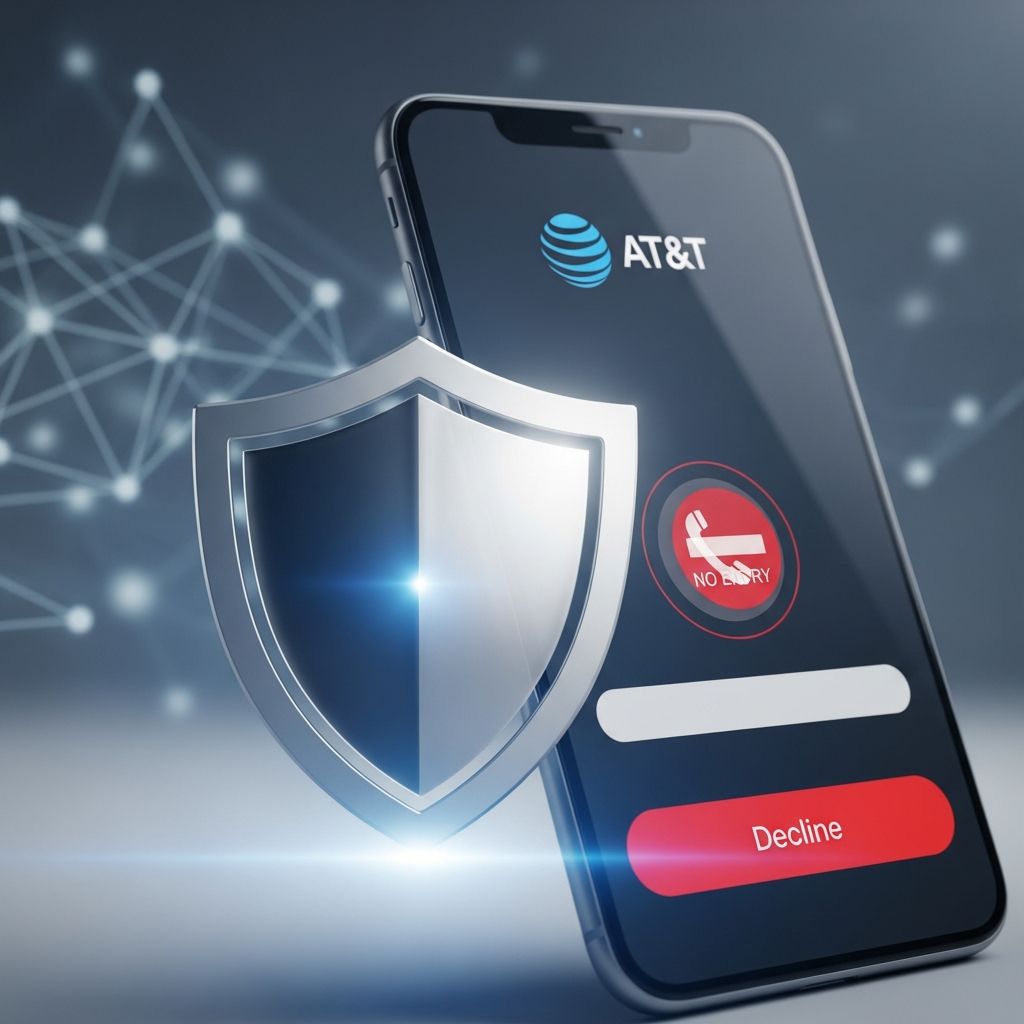
In an era where phones ring incessantly with unsolicited pitches, scam attempts, and automated messages, maintaining control over incoming calls has become essential. AT&T Call Protect emerges as a powerful ally, leveraging advanced network intelligence to identify and neutralize threats before they disrupt your day. This comprehensive guide explores the capabilities of this free service, designed specifically for AT&T digital phone users, offering layers of defense against the growing menace of unwanted communications.
Understanding the Growing Threat of Unwanted Calls
Every day, millions of Americans field calls from robocallers, telemarketers, and fraudsters masquerading as legitimate entities. According to the Federal Trade Commission, over 68 billion robocalls inundated U.S. lines in 2023 alone, a trend showing no signs of abating. These nuisances not only waste time but pose real risks, from phishing for personal data to promoting fraudulent schemes. AT&T Call Protect addresses this by analyzing call patterns in real-time, distinguishing genuine connections from malicious ones.
The service integrates seamlessly with your existing AT&T Phone setup, requiring minimal user intervention. Whether you’re dealing with persistent sales pitches or sophisticated voice scams, it provides proactive safeguards that evolve with emerging threats.
Core Features Powering Your Defense
AT&T Call Protect packs a suite of intelligent tools, each tailored to different aspects of call management. Here’s a breakdown:
- Real-Time Call Validation: Legitimate calls display a [V] icon on your caller ID, confirming the number matches the registered device. This combats caller ID spoofing, a common tactic used by imposters.
- Spam Labeling: Suspect calls are flagged with labels like ‘Suspected Spam – Telemarketer’ or ‘Robocaller,’ allowing you to decide whether to answer.
- Fraud Auto-Block: High-risk fraud attempts receive a busy signal, preventing them from ever ringing your phone.
- Custom Number Blocking: Manually add up to 100 specific numbers to a block list, with quick options via star codes or online portal.
- Activity Logs: Review 30-60 days of call history, categorized by status, to monitor patterns and report anomalies.
These features work in harmony, creating a multi-tiered barrier that adapts to your preferences.
Step-by-Step Activation Guide
Getting started is straightforward. For most AT&T Phone users, basic Call Protect activates automatically, but advanced options require a quick opt-in.
- Log into the AT&T Phone Portal using your member ID.
- Navigate to ‘Features’ > ‘Call Filtering’ > ‘Call Protect.’
- Review and accept the terms, then toggle the service ‘On.’
- For fraud auto-block, select ‘Manage Call Protect’ and enable the toggle.
- Save changes—protection begins immediately.
From your handset, dial
*61 post-unwanted call to block that number instantly, or
*80 to unblock.Advanced Call Management Techniques
Beyond basics, AT&T offers granular controls. Block anonymous callers with *77 (unblock via *87), ideal for privacy-focused users. The portal’s ‘Call Blocking’ section lets you curate lists, viewing and editing blocked numbers effortlessly.
For business users on AT&T Phone for Business, enhanced logs span 60 days, with reporting tools to flag suspicious activity for network-wide updates. This communal intelligence strengthens defenses across the AT&T ecosystem.
| Feature | Consumer | Business |
|---|---|---|
| Block Limit | 100 numbers | 100 numbers |
| Log Retention | 30 days | 60 days |
| Fraud Block | Optional | Optional |
| Spam Categories | 5+ types | 5+ types |
This table highlights similarities, with business plans offering extended visibility.
Integrating with Mobile Protections
AT&T wireless customers benefit from ActiveArmor, a companion app extending Call Protect logic to mobiles. Customize routing to send suspects to voicemail, scan for dark web exposures, and receive SSN alerts. iOS and Android setups mirror portal ease: recent calls > info icon > block.
Troubleshooting Common Hurdles
Encounter issues? Ensure your service is AT&T Digital Phone-eligible. If toggles won’t stick, clear browser cache or try incognito mode. Blocked legit calls? Unblock via portal or *80. History cluttered? Use ‘Clear History’—note it’s permanent.
For persistent problems, contact AT&T support; star codes like *60 for landlines provide alternatives.
Best Practices for Optimal Results
Maximize efficacy by:
- Registering on DoNotCall.gov for legal telemarketer reductions.
- Reporting unflagged spam via logs to refine network AI.
- Combining with device-level blocks for hybrid defense.
- Regularly reviewing logs to whitelist family or frequent contacts.
Educate household members on scam red flags: urgent demands, prize wins, or tech support claims.
Real-User Experiences and Stats
Users report 90%+ spam reductions post-activation. One forum anecdote: ‘Dropped from 20 daily robocalls to under 5.’ AT&T’s network processes billions of calls monthly, blocking millions of frauds, per official metrics.
Future-Proofing Against Evolving Scams
As AI voice cloning advances, AT&T invests in STIR/SHAKEN protocols, authenticating calls at the carrier level. Expect deeper integrations with AI analytics by 2026.
Frequently Asked Questions
Is AT&T Call Protect free?
Yes, included at no extra cost for eligible AT&T Phone customers.
Does it work on all AT&T plans?
Primarily Digital Phone and U-verse Voice; check portal for compatibility.
Can I block international calls?
Fraud auto-block targets many; custom blocks work for known 10-digit numbers.
What if a legitimate call gets blocked?
Unblock via portal or star codes; advise contacts to register properly.
How accurate is spam detection?
Highly effective, improving via user reports and network data.
Conclusion: Reclaim Your Phone Today
AT&T Call Protect transforms reactive call screening into proactive peace. Activate now to sidestep scams, silence spammers, and focus on calls that matter. With intuitive tools and robust backing, it’s your frontline against digital nuisances.
References
- Stop Unwanted Calls with AT&T Call Protect — AT&T Support. 2024-05-01. https://www.att.com/support/article/u-verse-voice/KM1235421/
- Use Call Blocking for AT&T Phone — AT&T Support. 2024-03-15. https://www.att.com/support/article/u-verse-voice/KM1041912/
- Block Robocalls and other Unwanted Calls — AT&T Support. 2025-01-10. https://www.att.com/support/how-to/robocalling/
- Consumer Sentinel Network Data Book 2023 — Federal Trade Commission. 2024-02-29. https://www.ftc.gov/reports/consumer-sentinel-network-data-book-2023
- AT&T ActiveArmor Mobile Security — AT&T Security. 2025-06-01. https://www.att.com/security/active-armor/
- Stop Unwanted Calls with AT&T Phone for Business Call Protect — AT&T Small Business Support. 2024-07-20. https://www.att.com/support/smallbusiness/article/smb-digital-phone/KM1238090/
Similar Articles








Read full bio of medha deb