Pay AT&T Prepaid Balance Online
Discover simple, secure ways to manage and pay your AT&T Prepaid balance online, from quick payments to automated options that save time and money.
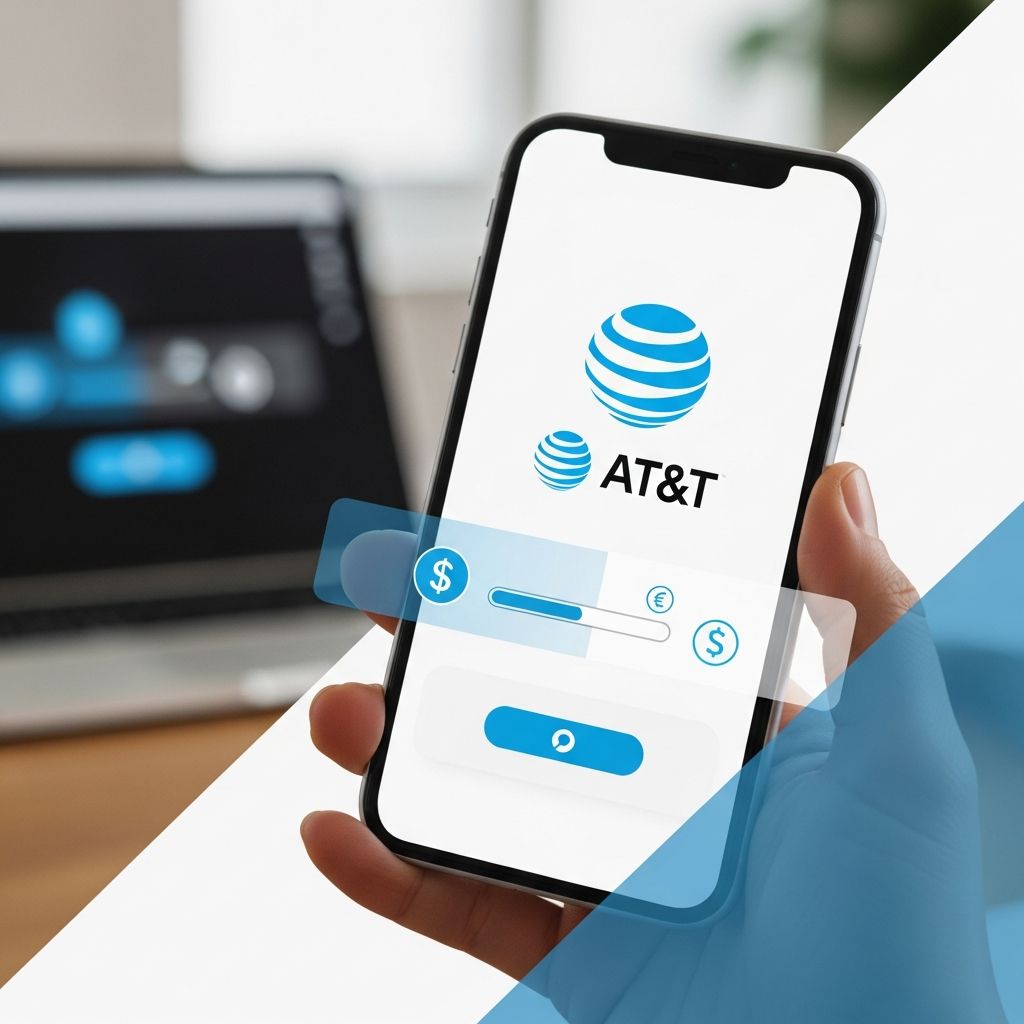
Keeping your AT&T Prepaid wireless service active doesn’t have to involve trips to stores or long wait times on calls. With modern digital tools, you can handle payments swiftly from any device. This comprehensive guide explores various online strategies to add funds to your account, ensuring uninterrupted connectivity for calls, texts, and data. Whether you’re a first-time user establishing your profile or a veteran opting for automation, these methods prioritize convenience and security.
Why Go Digital for Prepaid Payments?
Digital payments for AT&T Prepaid offer unmatched flexibility. Transactions process in minutes, often instantly reflecting in your balance. No more postal delays or cash-handling risks. Plus, features like AutoPay can slash your monthly costs on unlimited plans by up to $15, according to official AT&T documentation.1 Security protocols protect your financial data, and multiple options accommodate different preferences—from cards to bank transfers.
Prepaid users benefit from no contracts or credit checks, but timely refills are crucial to avoid service lapses. Online methods shine here, available 24/7 without fees for most digital routes, unlike some phone-based alternatives that add convenience charges.
Creating and Accessing Your Online Account
Before diving into payments, a registered account unlocks full management capabilities. New users start by visiting the AT&T Prepaid portal.
- Navigate to the registration section and choose Prepaid Wireless.
- Input your 10-digit phone number to receive a temporary password via text.
- Complete profile setup, including a unique PIN and security question for future logins.
- Access the dashboard to monitor balance, usage, and plans.
Once set up, logging in from any browser or the myAT&T app lets you view real-time data usage, switch plans, or enroll in multi-line discounts. This foundation is essential for seamless payments.2
Core Online Payment Methods
AT&T provides diverse payment channels tailored to user needs. Here’s a breakdown:
Standard Card or Bank Payments
The primary route requires a minimum $10 for cards. From your logged-in account:
- Select ‘Manage Prepaid’ followed by ‘Make a Payment’.
- Pick credit/debit card or checking account.
- Specify the refill amount and proceed.
- Confirm details and submit for instant processing.
Confirmation appears on-screen, with funds typically applied immediately.
Using AT&T Prepaid Refill Cards
Physical cards bought at retailers integrate easily:
- Log in and go to ‘Make a Payment’.
- Locate the Refill Card option.
- Scratch and enter the PIN from the card’s back.
- Hit continue for verification and balance update.
This method avoids sharing bank details, ideal for gifting or one-off top-ups.
Quick Pay: No Login Required
For speed without accounts, use the Quick Pay feature:
- Find the Quick Pay button on the Prepaid homepage.
- Enter payment amount and associated phone number.
- Provide card or bank info and submit.
Perfect for assisting family or occasional users, it processes without profile creation.1
Streamlining with AutoPay
Automation eliminates forgetfulness. Enroll via your account:
Toggle AutoPay on during payment setup or in profile settings. Link a card or bank, set the recurring amount, and choose dates. Unlimited plan subscribers save significantly—up to $15 monthly—while ensuring perpetual service.3
| Plan Type | AutoPay Discount | Setup Time |
|---|---|---|
| Unlimited Monthly | Up to $15 | 2-3 minutes |
| Standard Plans | Varies | 2-3 minutes |
| Multi-Line | Additional savings | 5 minutes |
Manage or pause anytime, with payments posting reliably.
Alternative Payment Channels
Mobile Text Payments
If a card is saved, text ‘PAY’ to 7777 for instant processing. First, add cards through profile settings under Payment Options.
Phone-Based Options
Dial 611 from your device or 800.901.9878 externally. Navigate automated menus: say ‘Payment’, select card type, and follow prompts. Note a $5 fee applies for agent or automated assistance, plus taxes based on purchase location.1
Star Services (*888*PIN#) confirms refills quickly.
Payments for Others
Support loved ones remotely via att.com/payprepaid. Enter their number and amount—no login needed. Funds apply directly, great for parents or shared accounts.5
Troubleshooting Common Hurdles
Encounter issues? Verify internet stability, correct phone numbers, and sufficient funds. Payments may take up to 24 hours in rare cases. Contact support via chat or 611 if balances don’t update. Taxes vary by address—always review before confirming.
- Balance not updating? Wait 5-10 minutes or check via *777#.
- Forgot PIN? Use security questions or reset online.
- Card declined? Confirm limits and try another method.
Maximizing Value with Prepaid Management
Beyond payments, online access lets you track data, alter plans, or add international features. Multi-line setups yield discounts, enhancing affordability. Regularly monitoring prevents overages, keeping costs predictable.
In 2026, with rising data demands, proactive online management ensures optimal service without surprises.
Frequently Asked Questions
What’s the minimum online payment amount?
$10 for cards; varies for other methods. Amounts up to $300 supported via Quick Pay.
Can I pay without an account?
Yes, Quick Pay and payprepaid options allow guest payments.
Does AutoPay work on all plans?
Primarily unlimited monthly plans qualify for max discounts.
Are there fees for online payments?
Generally no, unlike phone payments ($5 convenience fee).
How do I check my balance post-payment?
Log in, dial *777#, or text BAL to 7777.
Conclusion: Empower Your Connectivity
Mastering AT&T Prepaid payments online transforms service management into a breeze. From initial setups to automated refills, these tools deliver reliability and savings. Stay connected effortlessly—start today.
References
- Make an AT&T Prepaid Payment — AT&T Support. 2026 (accessed). https://www.att.com/support/article/my-account/KM1008656/
- Manage your AT&T Prepaid account with myAT&T — AT&T Support. 2026 (accessed). https://www.att.com/support/article/wireless/KM1011318/
- How to Pay Your AT&T Bill — AT&T. 2026 (accessed). https://www.att.com/how-to/pay-your-bill/
- Manage AT&T PREPAID Account — AT&T Device Support. 2026 (accessed). https://www.att.com/device-support/article/wireless/KM1392064/ATT/EmblemU102AA
- Make a Payment for Family or Friends – AT&T Wireless — AT&T Support. 2026 (accessed). https://www.att.com/support/article/wireless/KM1008660/
Similar Articles








Read full bio of Sneha Tete