Network Switch Essentials
Discover how network switches power efficient data flow in modern LANs, outsmarting hubs and routers for optimal connectivity.
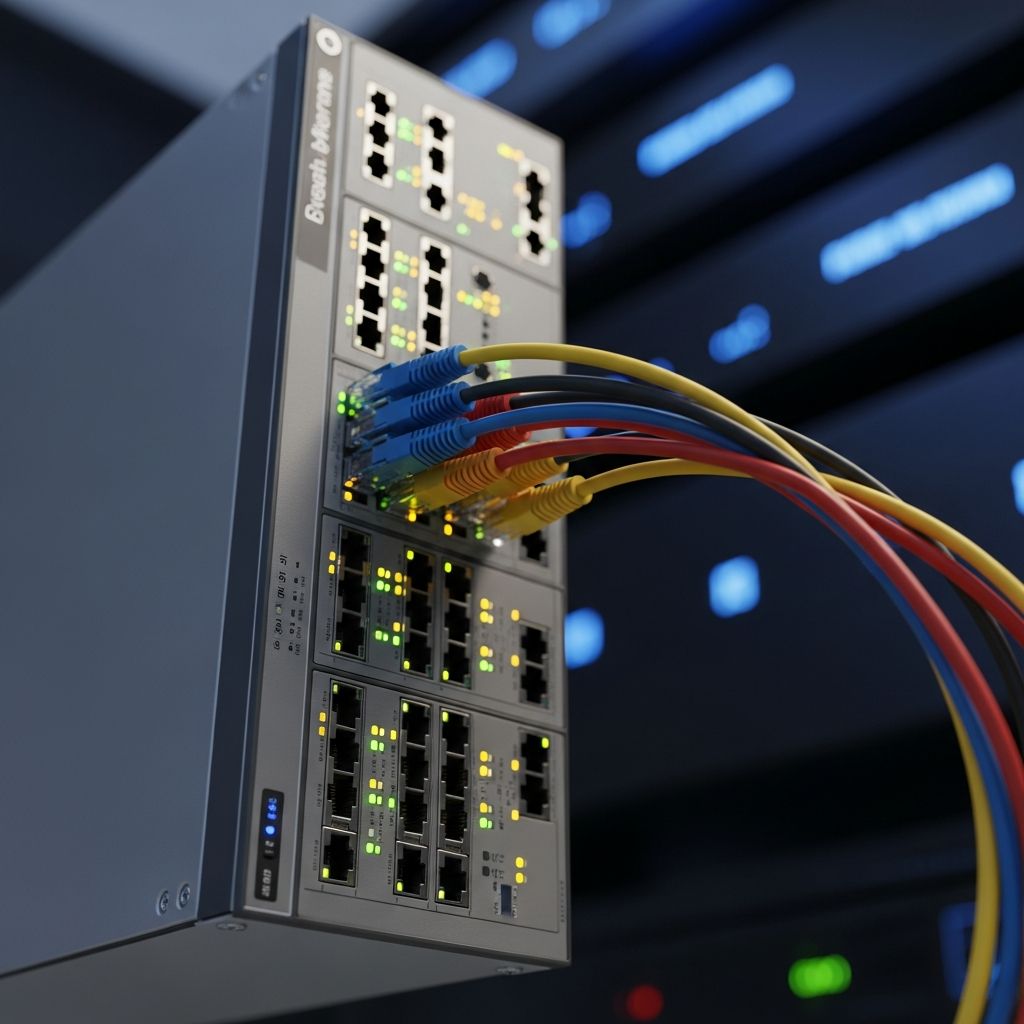
Network switches form the backbone of contemporary local area networks (LANs), enabling seamless communication among connected devices. These devices intelligently direct data traffic, ensuring that information reaches its intended recipient without unnecessary flooding across the entire network. In an era where data volumes surge due to streaming, cloud services, and IoT proliferation, understanding switches is crucial for anyone managing or optimizing network performance.
Defining the Core Role of a Network Switch
A network switch serves as a central hub in wired networks, linking computers, printers, servers, and other endpoints via Ethernet cables. Operating primarily at the data link layer of the OSI model—Layer 2—it examines the Media Access Control (MAC) addresses embedded in data frames to decide forwarding paths. This targeted approach contrasts sharply with older technologies, minimizing congestion and boosting throughput.
By maintaining a dynamic table of MAC addresses and their associated ports, switches learn network topology over time. When a frame arrives, the switch consults this table: if the destination MAC matches a known port, the frame goes directly there. Unknown destinations trigger a temporary broadcast to discover the path, after which the table updates for future efficiency. This self-learning mechanism reduces latency and enhances security by limiting data exposure.
How Switches Process and Forward Data
The packet-handling lifecycle in a switch unfolds in distinct phases. Incoming frames hit a port, where hardware buffers them briefly. The switch then parses the frame header, extracting source and destination MAC addresses. Using its content-addressable memory (CAM) table, it maps the destination to an output port.
- Store-and-Forward: The full frame is buffered and checked for errors via cyclic redundancy check (CRC) before forwarding, ensuring data integrity.
- Cut-Through: Forwarding begins after reading just the first few bytes, ideal for low-error environments to slash latency.
- Fragment-Free: A hybrid, reading the first 64 bytes to skip collision fragments before sending.
These modes balance speed and reliability, with modern switches often adapting dynamically based on traffic patterns and error rates.
Unmanaged vs Managed: Tailoring to Network Needs
Switches come in two primary flavors, each suited to different scales and requirements.
| Feature | Unmanaged Switch | Managed Switch |
|---|---|---|
| Setup | Plug-and-play, no config | Requires CLI, web interface, or SNMP setup |
| Cost | Low, for home/small office | Higher, enterprise-grade |
| Features | Basic forwarding | VLANs, QoS, port mirroring, ACLs |
| Monitoring | None | Full stats, alerts, remote management |
Unmanaged switches shine in simple setups like home offices, automatically handling basic connectivity. Managed variants empower IT teams with granular control, such as segmenting traffic into virtual LANs (VLANs) for security or prioritizing voice/video via Quality of Service (QoS).
Layer 2 Fundamentals: Building Blocks of Switching
Layer 2 switches dominate standard LANs, leveraging MAC addresses for intra-network forwarding. They create micro-segmented collision domains per port, eradicating the shared-medium issues of hubs. However, broadcasts still propagate across the broadcast domain, prompting techniques like VLANs to contain them.
Key protocols bolster Layer 2 reliability:
- Spanning Tree Protocol (STP): Prevents loops by electing a root bridge and blocking redundant paths.
- Link Aggregation Control Protocol (LACP): Bundles ports for higher bandwidth and redundancy.
- Port Security: Limits MACs per port to thwart unauthorized access.
Layer 3 Capabilities: When Switches Go Routing
Multilayer switches extend into Layer 3, inspecting IP addresses for inter-VLAN routing. This wire-speed routing rivals dedicated routers but at lower cost for LAN-scale needs. Features like static/dynamic routing (OSPF, BGP subsets) and access control lists (ACLs) make them versatile for mid-sized enterprises.
Transitioning from Layer 2 to 3 involves hybrid designs: core switches handle routing, while access switches focus on connectivity. This hierarchy optimizes traffic flow in hierarchical network architectures.
Switch Versus Hub: Efficiency Showdown
Hubs, relics of early Ethernet, indiscriminately broadcast all traffic, creating a single collision domain ripe for bottlenecks. Switches, by contrast, unicast frames, isolating collisions and doubling effective bandwidth in full-duplex mode.
- Hubs: Half-duplex, high latency, security risks from eavesdropping.
- Switches: Full-duplex, low latency, inherent segmentation.
In a 1 Gbps network with 10 devices, a hub might yield ~100 Mbps per device under load; a switch delivers near-full speed to each.
Switch Versus Router: Boundaries of Operation
Switches excel within LANs; routers bridge disparate networks, using IP routing tables for path selection across WANs or subnets. While Layer 3 switches route internally, they lack routers’ NAT, firewalling, and VPN prowess.
| Aspect | Switch | Router |
|---|---|---|
| Layer | 2 (or 3) | 3+ |
| Addressing | MAC | IP |
| Scope | LAN segment | Inter-network |
| Performance | Hardware ASIC speed | Software-influenced |
Modern Enhancements for High-Performance Networks
Today’s switches incorporate Power over Ethernet (PoE) to power devices like IP phones and cameras over data cables, slashing cabling costs. Speeds scale from 1 Gbps to 100 Gbps+ in data centers, with stacking for logical chassis expansion.
Software-defined networking (SDN) abstracts control planes, enabling centralized orchestration via OpenFlow. Security features like DHCP snooping and dynamic ARP inspection combat spoofing in evolving threat landscapes.
Selecting the Right Switch for Your Environment
Deployment hinges on needs: port count, speed, PoE budget, and management depth. Home users favor unmanaged Gigabit switches; enterprises demand 10/40 Gbps managed models with redundant power supplies.
- Assess bandwidth: Sum peak device rates, add 20-50% headroom.
- Prioritize future-proofing: Modular ports, SFP+ for fiber.
- Test for PoE: Calculate wattage (e.g., 802.3at Type 2 delivers 30W/port).
Frequently Asked Questions
What is the primary function of a network switch?
It connects devices in a LAN and forwards frames based on MAC addresses for efficient, targeted data delivery.
Can a switch replace a router?
No, switches handle LAN traffic; routers manage inter-network routing and internet gateways.
What are VLANs and why use them on switches?
VLANs logically partition ports into separate broadcast domains, enhancing security and reducing congestion.
How do switches prevent network loops?
Via Spanning Tree Protocol (STP), which dynamically blocks redundant paths.
Are wireless switches a thing?
No, switches are wired; wireless access points connect to switches for backbone traffic.
References
- Network switch — Wikipedia. 2024-01-15. https://en.wikipedia.org/wiki/Network_switch
- What is a network switch? — Cisco Systems. 2023-11-20. https://www.cisco.com/site/us/en/learn/topics/networking/what-is-an-ethernet-switch.html
- What is a network switch? — Hewlett Packard Enterprise. 2024-02-10. https://www.hpe.com/us/en/what-is/network-switch.html
- IEEE 802.1D Standard for Spanning Tree Protocol — IEEE Standards Association. 2004-06-09 (authoritative for STP). https://standards.ieee.org/ieee/802.1D/3897/
- What Is a Network Switch? — Sophos. 2023-08-05. https://www.sophos.com/en-us/cybersecurity-explained/network-switch
Similar Articles








Read full bio of Sneha Tete