IPv6 Tunneling Guide
Unlock IPv6 connectivity on your IPv4 network with step-by-step tunnel setup for Linux, routers, and more.
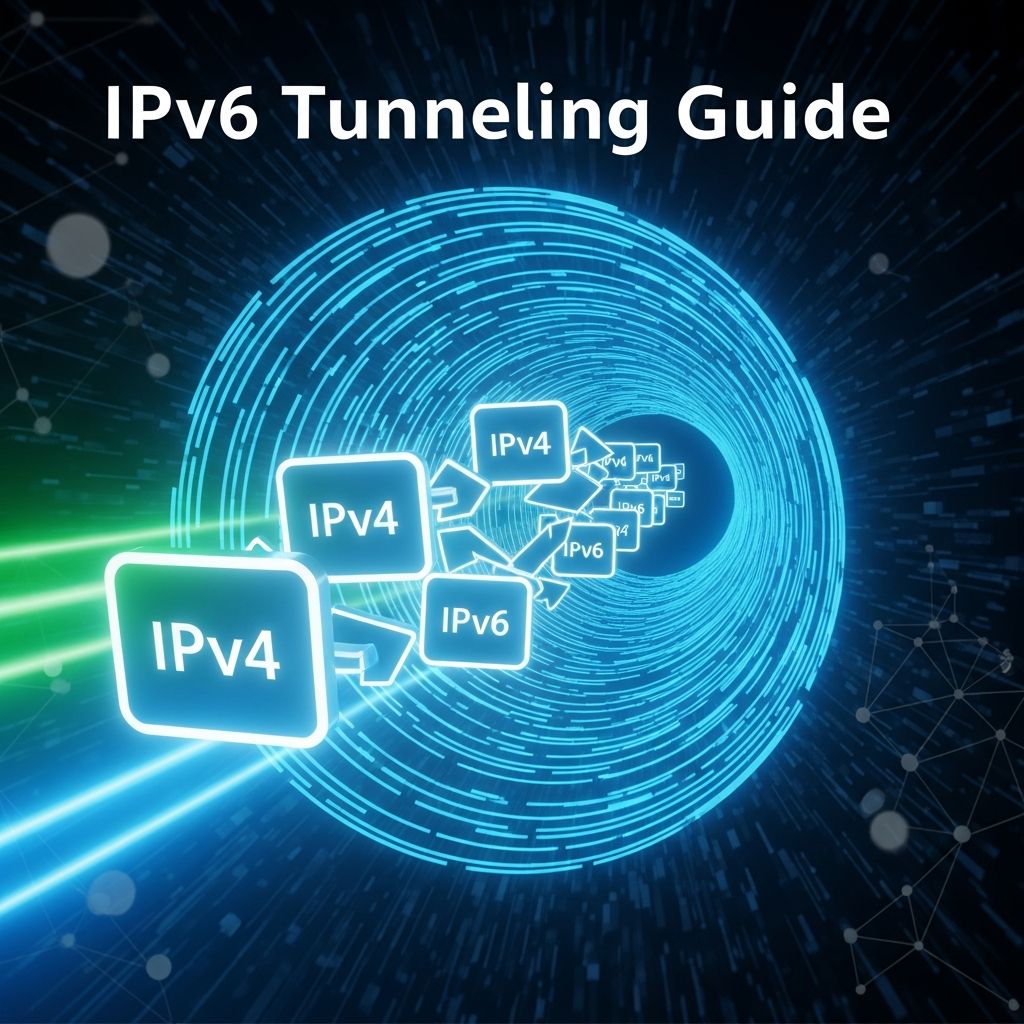
IPv6 Tunneling Guide: Seamless Transition from IPv4
IPv6 adoption continues to grow as the internet evolves, but many networks still rely on IPv4 infrastructure. Tunneling provides a bridge, encapsulating IPv6 packets within IPv4 for transmission across legacy networks. This guide explores practical methods to deploy IPv6 tunnels, from automatic 6to4 configurations to managed tunnel brokers like Hurricane Electric. Whether you’re managing a home lab, small office, or enterprise edge router, these techniques enable immediate IPv6 access without waiting for ISP upgrades.
Understanding IPv6 Tunneling Mechanisms
Tunneling works by wrapping IPv6 packets inside IPv4 packets, using protocols like SIT (Simple Internet Transition) or GIF. Common types include:
- Configured Tunnels: Point-to-point connections to a tunnel broker server with static endpoints.
- Automatic Tunnels (6to4): Uses your public IPv4 address to derive IPv6 prefixes dynamically.
- 6RD (6Rapid Deployment): ISP-assisted automatic tunneling for faster deployment.
Each method suits different scenarios: tunnel brokers offer reliability for individuals, while 6to4 works anywhere with a public IPv4. According to recent network statistics, over 40% of global traffic now uses IPv6, making tunneling essential for dual-stack readiness.
Prerequisites for Successful IPv6 Tunnel Deployment
Before configuration, verify these requirements:
- Public IPv4 Address: Essential for 6to4 and tunnel brokers. Private RFC1918 addresses (10.0.0.0/8, 172.16.0.0/12, 192.168.0.0/16) won’t work.
- Kernel Support: Linux needs SIT module; FreeBSD uses GIF.
- Firewall Rules: Allow IPv6 ICMP (protocol 41 for tunnels) and avoid NAT complications.
- MTU Adjustment: Set to 1472 or lower to prevent fragmentation.
Check your public IPv4:
curl -4 https://ifconfig.meVerify SIT module on Linux:
modprobe sitlsmod | grep sitAutomatic 6to4 Tunneling Setup on Linux
6to4 embeds your IPv4 address into the 2002::/16 IPv6 prefix. Convert IPv4 octets to hex (e.g., 203.0.113.10 becomes cb.00.71.0a, yielding 2002:cb00:710a::/48).
Quick Command-Line Configuration
- Create tunnel interface:
PUBLIC_IP=$(curl -4 https://ifconfig.me)sudo ip tunnel add tun6to4 mode sit remote any local $PUBLIC_IP ttl 64 - Activate and address:
sudo ip link set tun6to4 upsudo ip addr add 2002:cb00:710a::1/16 dev tun6to4 - Add routes:
sudo ip -6 route add 2002::/16 dev tun6to4sudo ip -6 route add ::/0 via ::192.88.99.1 dev tun6to4
Persistent Debian/Ubuntu Setup
Edit /etc/network/interfaces:
auto tun6to4iface tun6to4 inet6 v4tunnel address 2002:cb00:710a::1 netmask 16 endpoint any local YOUR_PUBLIC_IP ttl 64 gateway ::192.88.99.1 pre-up ip link set tun6to4 mtu 1472Restart networking: systemctl restart networking.
Managed Tunnel Brokers: Hurricane Electric Configuration
Tunnel brokers provide stable ::/64 or ::/48 allocations. Hurricane Electric (tunnelbroker.net) is free and reliable.
Account Setup and Tunnel Creation
- Register at tunnelbroker.net.
- Create tunnel: Enter public IPv4, select nearest server (e.g., Fresno for US West).
- Note: Client IPv6 (::2/64), routed /64, server IPv4.
Linux Configuration Script
#!/bin/bashTUNNEL_NAME="he-ipv6"LOCAL_IPV4="YOUR_PUBLIC_IP"REMOTE_IPV4="216.66.84.46" # Example HE serverCLIENT_IPV6="2001:470:1f0e:abc::2/64"ROUTED_PREFIX="2001:470:1f0f:abc::/64"sudo ip tunnel add $TUNNEL_NAME mode sit remote $REMOTE_IPV4 local $LOCAL_IPV4 ttl 255sudo ip link set $TUNNEL_NAME upsudo ip addr add $CLIENT_IPV6 dev $TUNNEL_NAMEsudo ip -6 route add ::/0 dev $TUNNEL_NAMEsudo ip -6 route add $ROUTED_PREFIX dev $TUNNEL_NAMEFreeBSD Implementation
TUNNEL_NAME="gif0"LOCAL_IPV4="YOUR_PUBLIC_IP"REMOTE_IPV4="216.66.84.46"CLIENT_IPV6="2001:470:1f0e:abc::2"ifconfig $TUNNEL_NAME createtunnel $TUNNEL_NAME tunnel $LOCAL_IPV4 $REMOTE_IPV4ifconfig $TUNNEL_NAME inet6 $CLIENT_IPV6 prefixlen 64ifconfig $TUNNEL_NAME uproute -6 add default -interface $TUNNEL_NAMERouter-Specific Configurations
pfSense / OPNsense Setup
- GIF Interface: Interfaces > Assignments > GIF > Add. Set local/remote IPv4 from broker.
- OPT Interface: Assign GIF to new interface, IPv6 static from routed /64.
- Gateway: System > Routing > Default IPv6 Gateway = dynamic GIF gateway.
- LAN IPv6: Interfaces > LAN > Static IPv6 from routed /64 (e.g., 2001:db8:1111:2222::1/64).
TP-Link Modem Routers (6to4/6RD)
Access 192.168.1.1 > IPv6 Tunnel:
- 6to4: Mechanism=6to4, Enable.
- 6RD: Mechanism=6RD, enter ISP’s 6RD prefix, mask length, border relay IPv4.
Verification and Troubleshooting
Test connectivity systematically:
| Test | Command | Expected Result |
|---|---|---|
| Interface Status | ip addr show tun6to4 | IPv6 address assigned, UP |
| Routes | ip -6 route show | Default ::/0 via tunnel |
| Connectivity | ping -6 2001:4860:4860::8888 | Replies from Google DNS |
| Web Access | curl -6 https://ipv6.google.com | HTML response |
Common Issues:
- Dynamic IP: Update tunnel endpoint via broker web panel or DDNS.
- Firewall Blocks:
ip6tables -A INPUT -p ipv6-icmp -j ACCEPT. - MTU:
ping -6 -M do -s 1452 ipv6.google.comto test.
Advanced Topics: LAN Routing and Security
Route IPv6 to LAN:
- Enable forwarding:
sysctl net.ipv6.conf.all.forwarding=1. - Assign /64 from routed prefix to LAN interface.
- RA/DHCPv6 for client autoconfig.
Security best practices:
- Rate-limit ICMPv6.
- Firewall IPv6 traffic.
- Monitor with
tcpdump -i he-ipv6 ip6.
Performance Comparison Table
| Method | Setup Complexity | Reliability | Prefix Size | Best For |
|---|---|---|---|---|
| 6to4 | Low | Medium (relay dependent) | /48 | Quick tests |
| Tunnel Broker | Medium | High | /64 or /48 | Production |
| 6RD | Low | High (ISP) | Variable | ISP-supported |
FAQ
Do I need a static IPv4 for tunnels?
No for 6to4 (uses any public IP), but update dynamic IPs on brokers manually or via API.
What’s the minimum MTU for IPv6 tunnels?
1280 bytes; recommend 1472 for SIT, 1480 for GIF.
Can I tunnel through NAT?
Generally no; requires public IPv4. Use brokers with NAT traversal if available.
How to automate dynamic IP updates?
Hurricane Electric supports rDNS updates via their update URL: curl "https://ipv4.tunnelbroker.net/nic_update?username=USER&password=PASS&hostname=TUNNEL&myip=NEW_IP".
Conclusion
IPv6 tunneling eliminates IPv4 dependency, enabling dual-stack operations today. Start with a tunnel broker for reliability, test thoroughly, and expand to LAN routing. As IPv6 deployment accelerates, these skills future-proof your network infrastructure.
References
- Configuring IPv6 Through A Tunnel Broker Service — Netgate pfSense Documentation. 2024-05-01. https://docs.netgate.com/pfsense/en/latest/recipes/ipv6-tunnel-broker.html
- How to Configure IPv6 Tunnel Broker — OneUptime Blog. 2026-01-15. https://oneuptime.com/blog/post/2026-01-15-ipv6-tunnel-broker-access/view
- How to Set Up a 6to4 Tunnel for IPv6 Connectivity — OneUptime Blog. 2026-03-20. https://oneuptime.com/blog/post/2026-03-20-6to4-tunnel-ipv6-connectivity/view
- IPv6 Tunnelling Tutorial — Catchpoint. 2023-11-15. https://www.catchpoint.com/benefits-of-ipv6/ipv6-tunnelling
Similar Articles







Read full bio of medha deb