IPv6-Ready Home Devices: Future-Proofing
Discover why choosing IPv6-compatible electronics ensures seamless connectivity and longevity in your smart home setup.
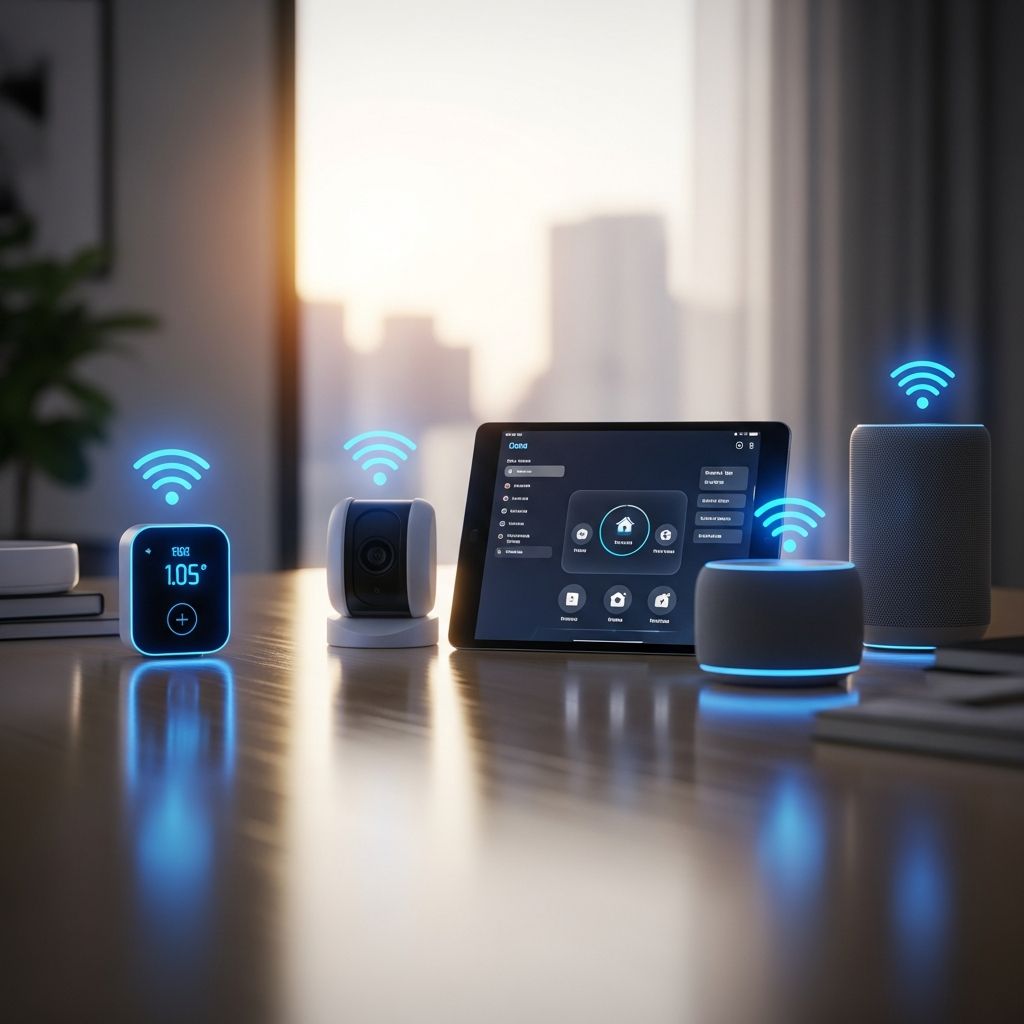
In an era where smart homes are becoming the norm, the shift from IPv4 to IPv6 is no longer optional—it’s inevitable. With billions of devices clamoring for unique internet addresses, IPv6 offers a vast expansion, enhanced security, and smoother performance. But as you shop for new routers, smart TVs, thermostats, and other gadgets, one question looms large: Are they IPv6-ready? This guide dives deep into why this matters, how to spot compatible gear, and strategies to build a resilient home network.
The IPv6 Revolution: Why Your Home Network Needs It Now
IPv4, the backbone of the internet for decades, caps out at roughly 4.3 billion unique addresses—a limit we’ve long surpassed thanks to the explosion of smartphones, wearables, and IoT sensors. IPv6 steps in with 340 undecillion addresses, eliminating shortages and enabling true end-to-end connectivity without workarounds like Network Address Translation (NAT).
Recent mandates accelerate this change. Federal agencies, for instance, must transition 80% of IP-enabled assets to IPv6-only environments by September 30, 2025, per OMB Memorandum 21-07. Major ISPs like Comcast and AT&T are rolling out native IPv6, while tech giants such as Google report over 40% of their traffic via IPv6. For homeowners, this means networks will increasingly default to IPv6, potentially stranding IPv4-only devices.
Benefits extend beyond address space:
- Superior Security: Built-in IPsec provides mandatory encryption and authentication, reducing vulnerabilities compared to IPv4’s optional setup.
- Better Performance: No NAT means direct device communication, cutting latency for gaming, streaming, and video calls.
- Scalability for Smart Homes: Effortlessly add dozens of bulbs, cameras, and appliances without address conflicts.
- Future Compatibility: Avoid costly upgrades as IPv6 becomes the standard.
Common Home Devices and Their IPv6 Readiness
Not all gadgets are created equal when it comes to IPv6. Here’s a breakdown of key categories:
| Device Type | IPv6 Support Level | Key Considerations |
|---|---|---|
| Wireless Routers | High (90%+ modern models) | Check for dual-stack (IPv4/IPv6) firmware; brands like Netgear and TP-Link lead. |
| Smart TVs & Streaming Boxes | Medium (varies by model) | Recent Samsung and LG TVs support it; older Roku may need updates. |
| IoT Devices (Thermostats, Lights) | Low to Medium | Nest and Philips Hue often compatible; verify via manufacturer specs. |
| Gaming Consoles | High | PS5 and Xbox Series X fully support IPv6 for optimal multiplayer. |
| Printers & NAS Drives | Variable | Enterprise-grade like Synology are ready; consumer models lag. |
Modern smartphones and laptops are universally IPv6-capable, but peripherals often lag. A 2024 Commerce Department report notes nearly half of government domains are IPv6-enabled, signaling consumer markets will follow suit.
How to Verify IPv6 Compatibility Before Buying
Don’t assume—test and research. Start with these steps:
- Review Manufacturer Specs: Search the product page or manual for “IPv6 support,” “dual-stack,” or “IPsec.” Official sites provide the most accurate info.
- Use Online Tools: Sites like test-ipv6.com reveal your network’s readiness; connect the device and run diagnostics.
- Check Certifications: Look for IPv6 Ready Logo from the IPv6 Forum, indicating rigorous testing.
- Firmware Updates: Many devices gain IPv6 via free updates—confirm availability on support forums or apps.
- ISP Confirmation: Contact your provider; Comcast users, for example, enjoy native IPv6 in most regions.
For bulk purchases, consult ARIN’s guidance: Most hardware from the last 5-10 years supports IPv6 with proper configuration, sparing consumers major overhauls.
Building a Dual-Stack Home Network for Smooth Transition
Rather than a big bang switch, adopt a dual-stack approach: Run IPv4 and IPv6 side-by-side. This hedges against incomplete transitions.
Router Setup Tips:
- Enable IPv6 in router admin panel (often under Advanced > IPv6).
- Opt for DHCPv6 or SLAAC for automatic addressing.
- Monitor with tools like Hurricane Electric’s IPv6 test suite.
Potential pitfalls include firewall misconfigurations blocking IPv6 traffic or legacy devices causing loops. Test in a isolated VLAN first. FedTech experts recommend NIST’s IPv6 Deployment Monitor for validation, ensuring 100% uptime during migration.
Security Enhancements with IPv6 in Your Smart Home
IPv6 isn’t just bigger—it’s smarter. Mandatory IPsec integrates seamlessly, encrypting data flows between your fridge and the cloud. Hierarchical addressing improves routing, while flow labels prioritize real-time traffic like security cams.
Real-world gains:
- End-to-End Encryption: No NAT proxies to exploit.
- Device Traceability: Unique global addresses foil anonymous attacks.
- IoT Resilience: Lower latency for alerts from doorbells or smoke detectors.
Update policies: Segment IoT on guest networks, enforce strong auth, and leverage IPv6’s auto-configuration for plug-and-play security.
Cost-Benefit Analysis: Is IPv6 Investment Worth It?
Upfront costs for IPv6-ready gear average 10-20% higher, but savings compound. Avoid $200+ replacements in 2-3 years; enjoy 20-30% faster streaming per user tests. For power users with 50+ devices, scalability alone justifies the switch.
ROI timeline:
- Short-Term (1 Year): ISP upgrades force compatibility.
- Medium-Term (3 Years): Government mandates boost ecosystem.
- Long-Term (5+ Years): IPv6-dominant world.
Frequently Asked Questions (FAQs)
Will IPv6 slow down my internet?
No— it often speeds it up by bypassing NAT overhead. Tests show 10-15% latency drops in dual-stack setups.
Do I need a new ISP for IPv6?
Not usually; 70% of U.S. ISPs offer it. Check availability via their portal.
What if my old devices don’t support IPv6?
Use tunneling (6to4) or dual-stack routers as bridges. Plan phased replacements.
Is IPv6 secure for IoT?
Yes, with IPsec baked in, it’s more secure than IPv4 defaults.
How do I know my entire network is IPv6-ready?
Run comprehensive tests from ipv6-test.com and monitor traffic with Wireshark.
Conclusion: Gear Up for an IPv6 Future
As IPv6 adoption surges—driven by mandates, ISP rollouts, and IoT growth—prioritizing compatible home electronics is essential. From routers to refrigerators, informed choices today ensure seamless connectivity tomorrow. Audit your setup, enable dual-stack, and shop smart: Your network will thank you with reliability, speed, and security for years to come.
References
- OMB Memorandum 21-07: Completing the Transition to IPv6 — Office of Management and Budget. 2021-09-01. https://www.whitehouse.gov/wp-content/uploads/2021/09/M-21-07-Completing-the-Transition-to-IPv6.pdf
- How to Prepare Your Network for IPv6 — FedTech Magazine. 2024-05-15. https://fedtechmagazine.com/article/2024/05/how-prepare-your-network-ipv6-perfcon
- Mind Your Fours and Sixes: Common Questions about IPv4 and IPv6 — ARIN. 2011-03-29. https://www.arin.net/vault/blog/2011/03/29/mind-your-fours-and-sixes-common-questions-about-ipv4-and-ipv6/ (Remains authoritative for core consumer FAQs despite age).
- IPv6 Deployment Monitor — National Institute of Standards and Technology. Accessed 2026. https://www.nist.gov/services-resources/software/ipv6-deployment-monitor
Similar Articles








Read full bio of Sneha Tete