IPv6-Only Wi-Fi Gear in 2026
Exploring the rise of pure IPv6 Wi-Fi routers and access points amid IPv4 exhaustion—where they stand today and how to deploy them.
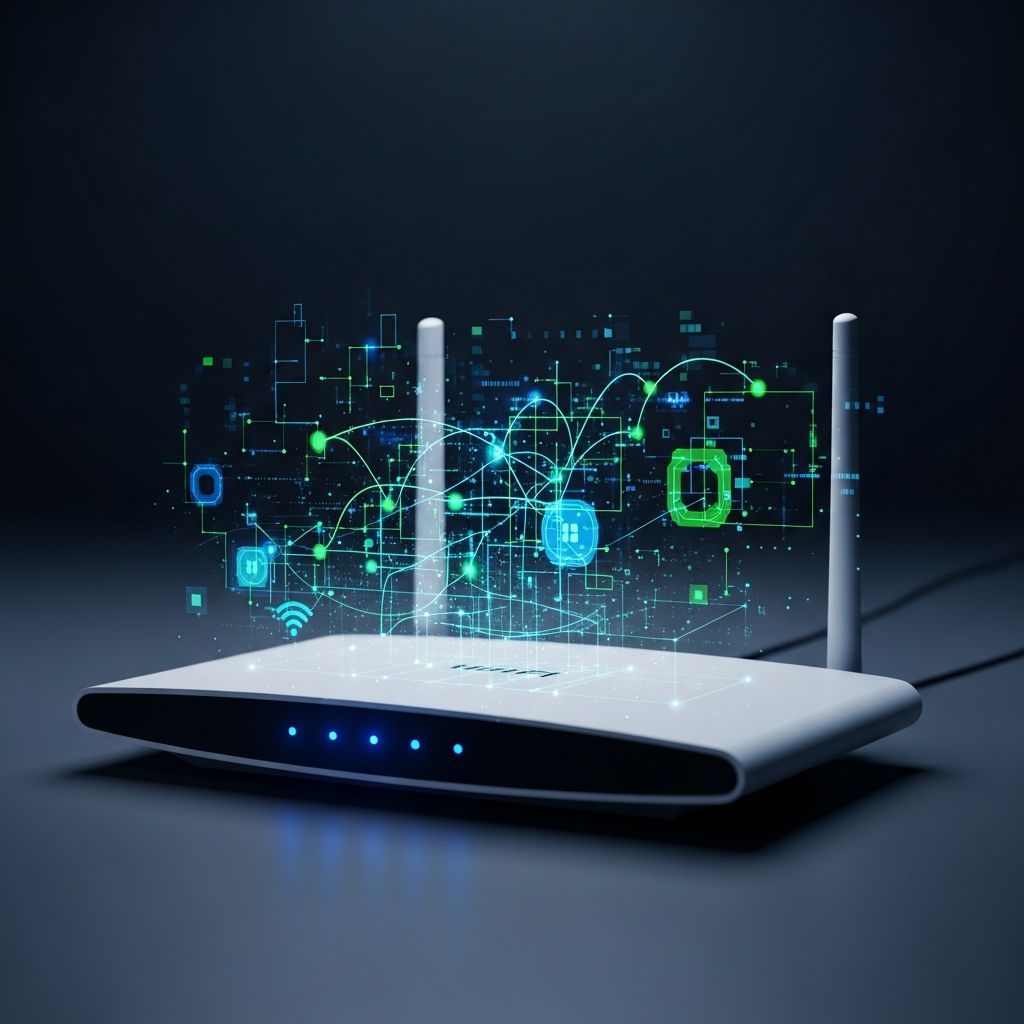
In an era where IPv4 addresses are fully depleted and global adoption of IPv6 surpasses 50%, the question arises: why aren’t more consumer and enterprise Wi-Fi devices operating in pure IPv6-only mode? This article examines the current state of dedicated IPv6-only routers and access points, drawing from recent deployment guides, IETF standards, and practical configurations. While dual-stack remains dominant, bridged access points that transparently forward IPv6 traffic are paving the way for IPv6-mostly networks, reducing complexity and enhancing performance.
The Push for Pure IPv6 in Wireless Networks
IPv6-only operation eliminates IPv4 dependencies, allowing devices to leverage Stateless Address Autoconfiguration (SLAAC) via Router Advertisements (RA), DHCPv6 for stateful allocation, and Neighbor Discovery Protocol (NDP) for address resolution. In Wi-Fi environments, this means access points (APs) must bridge Layer 2 traffic without interference, passing RA, DHCPv6, and NDP packets unchanged between wired uplinks and wireless clients.
Modern networks favor bridged APs over routing ones. Bridged mode ensures transparency: clients receive IPv6 configurations directly from upstream routers. Routing APs, by contrast, require prefix delegation (via DHCPv6 PD), RA relay, or NDP proxying, adding overhead. According to recent IETF drafts, IPv6-mostly deployments—where most endpoints run IPv6-only with NAT64 for IPv4 fallback—achieve 60-70% IPv6-only endpoint success rates in large-scale trials.
- Benefits of IPv6-only Wi-Fi: Doubles address space, simplifies VLAN/SSID management (no separate IPv4 segments), reduces channel congestion from dual SSIDs, and streamlines operations.
- Challenges: Legacy devices needing IPv4, incomplete vendor support for pure IPv6 management interfaces, and misconfigured forwarding.
Evaluating Today’s Wi-Fi Hardware Landscape
Consumer routers like TP-Link models support IPv6 but default to dual-stack. Enabling IPv6 requires knowing your ISP’s connection type: PPPoE, Dynamic IP (SLAAC/DHCPv6), Pass-Through (Bridge), or Static IP. Enterprise gear from Ubiquiti, Cisco, and Aruba offers bridged IPv6 passthrough, but true IPv6-only firmware is rare outside open-source like OpenWrt.
| Vendor/Model | Bridged IPv6 Support | IPv6-Only Mode | Management IPv6 |
|---|---|---|---|
| TP-Link Archer Series | Yes (Pass-Through) | Dual-Stack Only | Static/DHCPv6 |
| OpenWrt-Compatible APs | Full (Custom Config) | Yes (Disable IPv4) | Full Stack |
| Ubiquiti UniFi | Yes (Layer 2 Bridge) | Partial (Controller-Dependent) | DHCPv6/SLAAC |
As of 2026, no mainstream vendor ships ‘IPv6-only’ labeled Wi-Fi routers, but open firmware bridges the gap. Forum discussions confirm Windows and Linux clients thrive in IPv6-only LANs with RA-only configs, though some IoT devices falter without IPv4.
Configuring Bridged Access Points for IPv6
For generic Linux-based APs (common in embedded Wi-Fi gear), SSH in and set a static IPv6 management address on the bridge interface:
# Assign static IPv6 to bridge (e.g., br0 or br-lan)ip -6 addr add 2001:db8:1::2/64 dev br0ip -6 route add default via 2001:db8:1::1 dev br0# Enable forwarding only if routing (rare for bridges)sysctl -w net.ipv6.conf.all.forwarding=1sysctl -w net.ipv6.conf.br0.forwarding=1# Persist settingsecho "net.ipv6.conf.all.forwarding=1" >> /etc/sysctl.confOpenWrt excels here. For a pure bridged AP, configure the LAN interface to request an address but no prefix, disabling local DHCPv6/RA/NDP services:
# UCI config for bridged IPv6uci set network.lan6=interfaceuci set network.lan6.proto='dhcpv6'uchi set network.lan6.device='@lan'uchi set network.lan6.reqaddress='try'uchi set network.lan6.reqprefix='no'# Disable local servicesuci set dhcp.lan.dhcpv6='disabled'uchi set dhcp.lan.ra='disabled'uchi set dhcp.lan.ndp='disabled'uci commit dhcpuci commit network/etc/init.d/network reload/etc/init.d/odhcpd restartVerify with ip -6 addr show br-lan and ip -6 route show. Upstream routers now advertise directly to wireless clients.
Handling Routed APs: NDP Proxy and Relays
If your AP routes (e.g., multi-SSID with VLANs), and no prefix delegation is available, deploy NDP proxy on the upstream router:
# Upstream Linux router NDP proxysysctl -w net.ipv6.conf.eth0.proxy_ndp=1ip -6 neigh add proxy 2001:db8:1::101 dev eth0# Dynamic with ndppdapt install ndppd -ycat > /etc/ndppd.conf << 'EOF'proxy eth0 { rule 2001:db8:1::/64 { auto }}EOFsystemctl enable --now ndppdThis proxies NDP for downstream clients. Pair with RA/DHCPv6 relay or a local RA server. IETF’s IPv6-mostly guidelines recommend P-flag in RAs for prefix delegation support per RFC 9762.
Verification and Troubleshooting IPv6 Connectivity
Test end-to-end from Wi-Fi clients:
ip -6 addr show: Confirm global IPv6 (not just link-local).ip -6 route show default: Default route via upstream.ping6 2606:4700:4700::1111: IPv6 DNS reachability.curl -6 https://ipv6.google.com: Web access.
On the AP, use radvdump to sniff RAs on wireless interfaces. For OpenWrt, ifstatus wan6 checks delegations. Common issues: Firewall blocks on UDP 546/547 (DHCPv6), missing M-flag/O-flag in RAs, or proxy misconfigs.
IPv6-Mostly: The Bridge to Full Adoption
IETF draft-ietf-v6ops-6mops outlines IPv6-mostly networks, using NAT64/DNS64 for IPv4 compatibility. DHCPv6 option 108 signals IPv6-only preference, skipping IPv4 requests. This coexists IPv4-only, dual-stack, and IPv6-only devices on shared SSIDs/VLANs, avoiding proliferation of segments. Real-world ops show halved config complexity and boosted reliability.
Prefix registration via RFC 9926 enhances ND in dense Wi-Fi, optimizing for low-power IoT.
FAQs
Can I run an IPv6-only home Wi-Fi network in 2026?
Yes, with OpenWrt APs in bridge mode and an IPv6-capable ISP modem. Disable IPv4 DHCP; use RA/SLAAC. Windows/Linux work flawlessly; test IoT gear.
What’s the difference between bridged and routed IPv6 APs?
Bridged: Pure L2 passthrough—no config needed beyond management IPv6. Routed: Needs PD, proxy/relay for clients.
Do TP-Link routers support IPv6-only?
No native IPv6-only, but bridge mode passes traffic. Use Advanced > IPv6 to enable per ISP type.
How do I know if my Wi-Fi clients have IPv6?
Run ip -6 addr or visit ipv6-test.com. Global prefixes start with 2000::/3.
Future Outlook
By late 2026, expect more vendors to offer IPv6-only profiles as IPv4 costs soar. Open-source leads, but standards like RFC 9663 will drive endpoint support. Transition now for scalable, future-proof wireless.
References
- draft-ietf-v6ops-6mops-04 – IPv6-Mostly Networks: Deployment and Operations — IETF. 2025-10-23. https://datatracker.ietf.org/doc/draft-ietf-v6ops-6mops/04/
- RFC 9926: Prefix Registration for IPv6 Neighbor Discovery — RFC Editor. 2025-11. https://www.rfc-editor.org/rfc/rfc9926.html
- How to Configure IPv6 on Wi-Fi Access Points — OneUptime. 2026-03-20. https://oneuptime.com/blog/post/2026-03-20-ipv6-wifi-access-points/view
- How to Set Up IPv6 on TP-Link Wi-Fi Routers — TP-Link. Undated (Accessed 2026). https://www.tp-link.com/us/support/faq/1525/
Similar Articles








Read full bio of Sneha Tete